There is something deeply satisfying about pressing play on an album you actually own. No licensing dispute can remove it. No subscription increase can hold it hostage. No algorithm can bury it because your taste no longer fits a platform's recommendation engine. If you care about music, building a music library is not nostalgia. It is control, permanence, and respect for the art you love.
I still use streaming services for discovery, but when I find an album that matters to me, I want a copy that lives on my devices and in my backups. That habit has changed the way I listen. I revisit records more often, organize them more thoughtfully, and appreciate sound quality in a way that passive streaming rarely encourages. A digital music library turns your collection into a personal archive rather than a temporary rental shelf.
The good news is that creating a high-quality library is easier than many people think. You do not need a giant budget or an audiophile bunker. You need a plan, a few reliable tools, and a clear understanding of format, storage, tagging, and backup. Once those pieces are in place, you can build a collection that sounds great today and remains usable for years to come.
Why owning your music still matters
Streaming has made music more accessible than ever, but accessibility is not the same as ownership. When you stream, you are paying for access within a system that can change at any time. Tracks disappear, versions get swapped, albums are edited, and services can shut down, merge, or alter their terms.
When you own music files, you control how and where you listen. You can move your collection between apps, devices, hard drives, and servers. You can play your songs without an internet connection. You can keep rare versions, original masters, live recordings, and independent releases that may never stay available on mainstream platforms.
- Ownership gives permanence: your music stays available even if a platform removes it.
- Ownership gives flexibility: you can use the player, phone, DAC, or server you prefer.
- Ownership gives better quality options: you can choose lossless audio instead of compressed streams.
- Ownership gives privacy: your listening habits are not fully mediated by a subscription platform.
- Ownership gives curation power: you decide what belongs in your library and how it is organized.
For serious listeners, that combination is hard to beat. A personal music archive feels less disposable and more intentional, which often leads to better listening habits overall.
Start with a clear goal for your music library
Before you buy files or rip CDs, decide what kind of library you want to build. A casual collection for phone playback requires a different approach than a long-term lossless music library for home listening. The goal shapes every technical choice that follows.
Choose your priority: convenience, quality, or archival value
If you mostly listen on wireless earbuds during commutes, a compressed format may be acceptable for part of your collection. If you care about preserving albums in the best practical quality, lossless formats make more sense. If you want a future-proof archive, you should think beyond playback and focus on standard formats, clean metadata, and redundant backups.
A sensible approach for most people is simple: keep a master archive in a lossless format, then create smaller mobile copies when needed. That way you do not have to repurchase music later just because your standards or hardware changed.
Decide what belongs in your collection
Not every song you enjoy needs to be owned. The smartest libraries are curated. I usually divide music into three buckets: music I am testing, music I enjoy casually, and music I want permanently. Streaming works well for the first two. Ownership is best for the third.
Ask yourself a few useful questions:
- Which albums do I revisit year after year?
- Which artists matter enough that I want complete discographies?
- Which releases are hard to find and worth preserving?
- What do I want available even without a subscription or signal?
Those answers become the foundation of a collection with real personal value.
Where to get music you can actually own
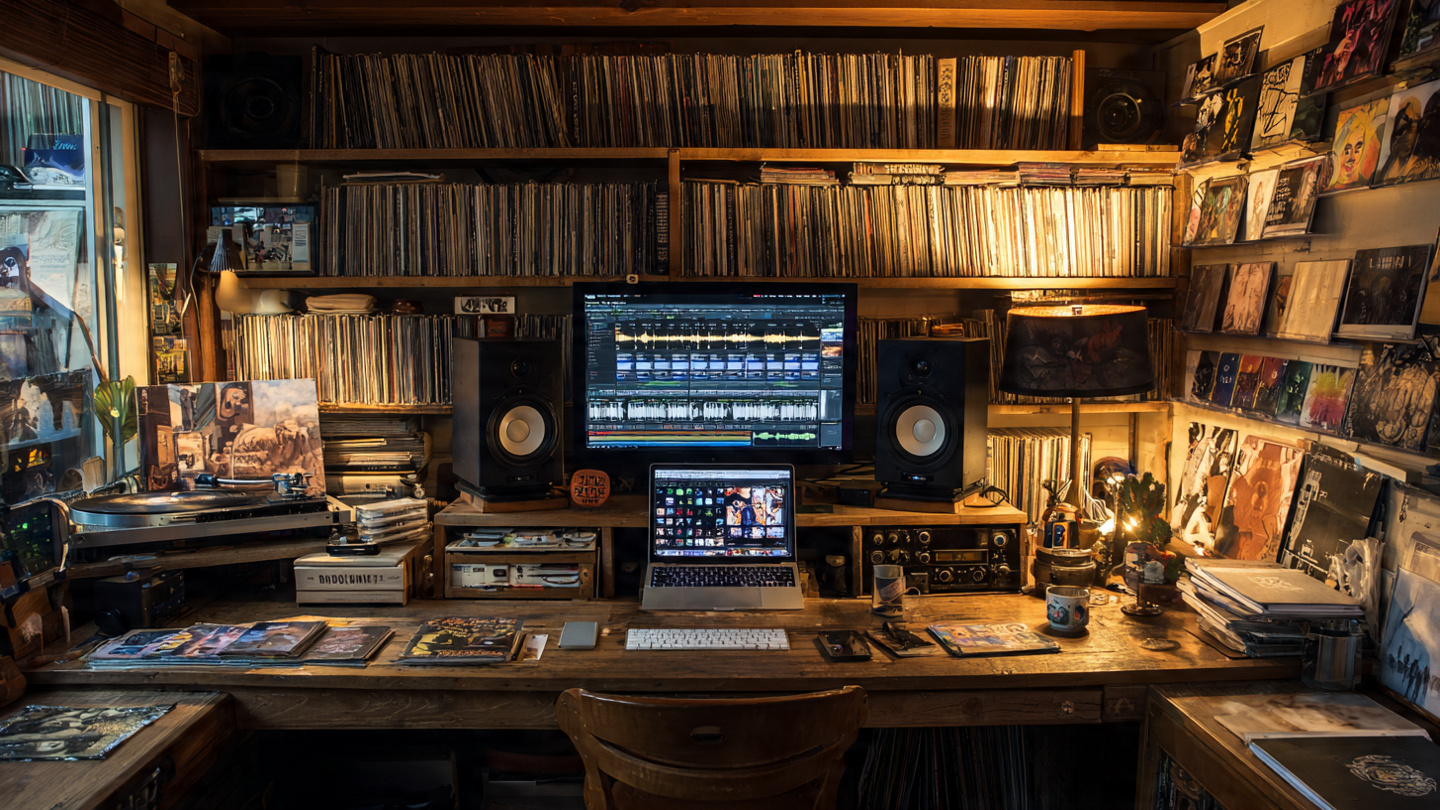
The source matters because ownership is only meaningful if you receive files with minimal restrictions and good technical quality. Not all stores are equal, and not all purchases are delivered in formats worth archiving.
Buy DRM-free digital downloads
The easiest path is to buy DRM-free music from reputable digital stores. Look for sellers that offer MP3, AAC, FLAC, ALAC, or WAV without locking the files to a single app or ecosystem. Independent platforms are often excellent for this, especially if you like supporting artists directly.
Pay attention to what you are buying. Some stores offer multiple file types and bit depths. Others provide only compressed versions. If archival quality matters, read the format details before purchasing.
Rip CDs you already own
For many music lovers, the cheapest and best source is the shelf they already have. A well-ripped CD can produce a high-quality lossless file that is ideal for a permanent library. If you still have discs from years ago, you may be sitting on a much better archive than you realize.
Use secure ripping software that checks for read errors and verifies accuracy against known databases when possible. This step is worth taking seriously because a sloppy rip can quietly introduce issues that are annoying to discover later.
Consider vinyl carefully
Vinyl is great for collecting and listening, but it is not always the easiest foundation for a digital library. Creating clean digital transfers from records takes time, good hardware, and patience. If your goal is a practical permanent archive, CDs and high-quality digital downloads are usually more efficient. Vinyl can still play a role, especially for rare releases, but it is better treated as a specialized source rather than the default path.
Choose the right audio formats
One of the biggest decisions in how to build a music library is choosing file formats. The wrong choice can waste storage, reduce compatibility, or lock you into avoidable conversions later.
Best formats for a long-term library
For most people, FLAC is the strongest all-around choice. It is lossless, widely supported, efficient in storage, and well suited for tagging. If you live primarily in the Apple ecosystem, ALAC is also a strong option. WAV offers lossless quality too, but its metadata support is weaker, which makes organization more frustrating over time.
- FLAC: excellent for archival storage, broad support, efficient compression.
- ALAC: ideal for Apple-focused users who want lossless quality.
- MP3: still useful for maximum compatibility and smaller portable copies.
- AAC: efficient lossy format, often good for mobile listening.
- WAV: high quality but weaker library management due to limited tagging convenience.
If you want one straightforward recommendation, build your archive in FLAC or ALAC, then export MP3 or AAC versions for devices with limited space.
Do you need high-resolution audio?
High-resolution files can be appealing, but they should not distract from the basics. A well-mastered CD-quality lossless file is often more valuable than a high-resolution file sourced from a poor master. Focus first on reliable ownership, consistent formats, and good metadata. If you later decide to collect 24-bit releases, you can do that selectively for favorite albums.
In my experience, the biggest improvements come from better mastering, better speakers or headphones, and more attentive listening, not from chasing giant file sizes for every release.
Organize metadata like it actually matters
A music library becomes truly usable when the metadata is clean. File quality gets the attention, but metadata determines whether your collection feels like a pleasure or a mess. Artist names, album titles, track numbers, release years, genres, and artwork all influence how smoothly your library works across apps and devices.
Use a consistent tagging standard
Pick a system and stick to it. Consistency is more important than perfection. If one album uses “The Beatles” and another uses “Beatles, The,” your browsing experience gets worse. The same goes for dates, genre labels, featured artists, and multi-disc releases.
A practical setup might include:
- Artist: use one primary spelling everywhere.
- Album Artist: especially useful for compilations and collaborations.
- Year: use the original release year or your preferred edition logic consistently.
- Genre: keep categories broad enough to stay useful.
- Disc and track numbers: essential for multi-disc albums and proper sorting.
- Artwork: embed high-quality cover art so albums display properly across devices.
Good tagging saves hours later. It also makes smart playlists, searching, and browsing far more enjoyable.
Build a folder structure you can understand at a glance
Your player app may hide folders most of the time, but clear file organization still matters. A simple structure such as Artist/Year - Album/Track Number - Title works well for many collectors. It keeps your library readable and portable. If you ever change software, your collection remains easy to navigate.
This is one of those small habits that pays off for years. When your drive fails, your software changes, or you move to a new server, structure becomes your safety net.
Back up your library like it is irreplaceable
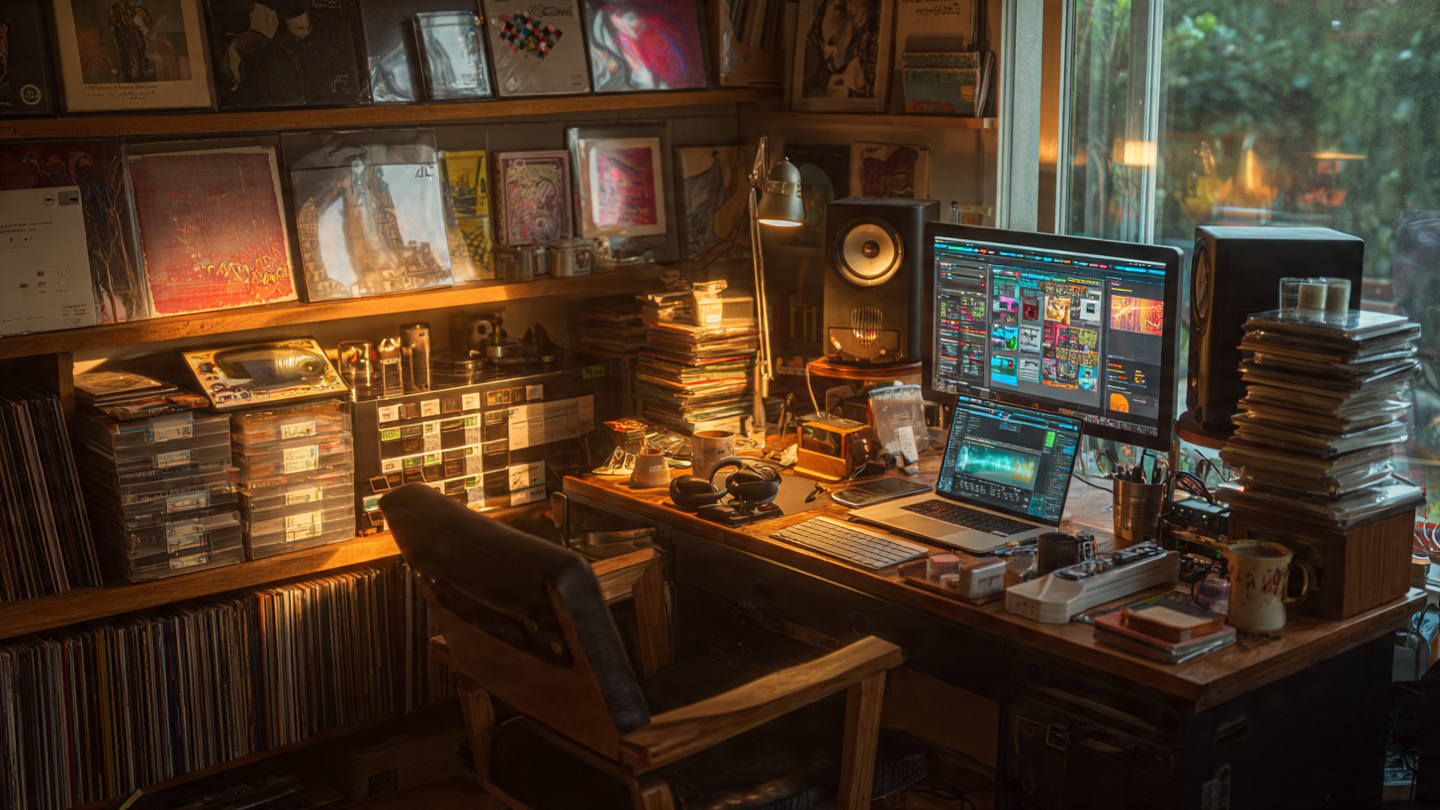
Here is the uncomfortable truth: if your music collection exists in only one place, you do not really own it securely. Hard drives fail. Laptops get stolen. External drives get dropped. The more effort you invest in curation, the more important backup becomes.
Follow the 3-2-1 backup idea
A strong rule for a permanent music collection is the 3-2-1 approach: keep three copies of your data, on two different types of storage, with one copy off-site. That may sound excessive, but it is the difference between a scare and a disaster.
- Primary copy: your main library on a computer, server, or dedicated drive.
- Local backup: an external hard drive or NAS updated regularly.
- Off-site backup: a cloud backup service or a drive stored elsewhere.
If your collection took years to build, backup is not optional. It is part of the project.
Test your backups
A backup that has never been checked is just a theory. Open files from your backup drive. Restore a small folder to a separate location. Make sure the files, artwork, and metadata survive the process. This is not glamorous, but it is exactly what prevents heartbreak later.
Pick the right software and playback setup
Your files are the foundation, but software determines the day-to-day experience. The best music library software depends on whether you value simplicity, deep tagging control, streaming to multiple rooms, or integration with specific hardware.
Some listeners want a lightweight desktop player. Others prefer a media server that can stream across the home. Either path can work as long as your files remain standard and portable.
What to look for in a music player
- Reliable library scanning that handles large collections without corruption.
- Strong metadata support for embedded tags and artwork.
- Playlist and smart playlist tools to make curation enjoyable.
- Cross-device compatibility if you switch between desktop, phone, and network audio gear.
- No lock-in so your files remain yours, not trapped in a proprietary database.
Personally, I prefer software that treats folders and tags with equal respect. If the app disappears tomorrow, I want my collection to stay perfectly understandable without it.
Common mistakes that weaken a music library
Many people start enthusiastically and then create problems that become hard to unwind later. Most of these issues are preventable.
- Buying low-quality files first and regretting it later.
- Ignoring metadata until the library becomes chaotic.
- Keeping only one copy of the collection.
- Relying on a single app or ecosystem for access.
- Mixing inconsistent naming conventions across years of collecting.
- Confusing discovery with ownership and trying to save everything.
A better strategy is to build slowly, tag carefully, and back up from day one. A smaller well-maintained library is much more valuable than a huge disorganized pile of files.
How to grow your library over time
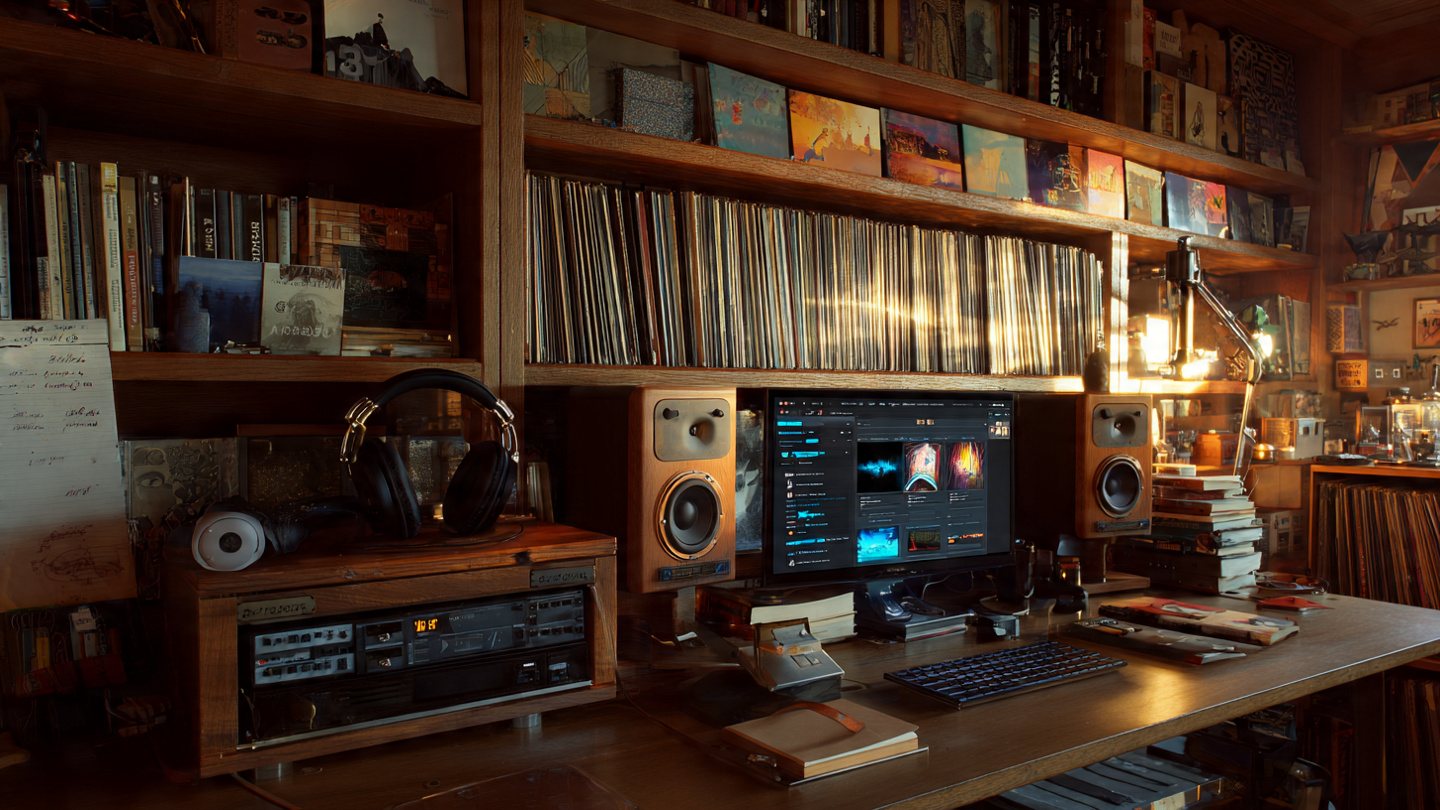
The best collections are not built in a weekend. They grow through habit. Buy albums you truly care about. Upgrade key releases to lossless when it makes sense. Clean your tags as you add new music. Refresh backups regularly. Revisit the collection and refine it.
One practical habit is to make ownership your reward for discovery. If an album survives a month or two of regular listening on streaming, buy it for the permanent collection. That simple filter keeps your library meaningful while controlling cost.
Another smart move is to keep a wishlist of priority purchases: all-time favorite albums, rare releases, essential live recordings, and works that tend to vanish from streaming services. This gives your collecting direction instead of turning it into random accumulation.
Conclusion
A great music library is not just a stack of files. It is a personal archive, a listening tool, and a statement about what you value. In an era built on subscriptions and temporary access, owning your music gives you something rare: permanence. You get better control, better flexibility, and often a deeper connection to the albums that matter most.
If you start with high-quality sources, choose sensible formats, organize your metadata, and protect everything with solid backups, you can build a digital music library that lasts for decades. You do not need to own every song. You just need to own the ones you never want to lose.
Start small today: pick five albums you love, acquire them in a format worth keeping, tag them properly, and back them up. That first step is how a permanent collection begins. Once you hear your favorite records on your terms, with no platform standing between you and the music, you may never want to go back.


