If you have been waiting for the right moment to upgrade your setup, this is the kind of deal that deserves attention. The Keychron K8 QMK keyboard has quietly become one of the most appealing options for people who want a wireless mechanical keyboard without paying premium-tier prices, and seeing it available for under $85 makes it even more compelling. In a market crowded with flashy boards that often prioritize style over substance, this keyboard stands out by delivering the features that actually matter in day-to-day use: hot-swappable switches, cross-platform compatibility, strong build quality, and the flexibility of QMK customization.
What makes this discount especially attractive is that the Keychron K8 QMK is not just another entry-level board pretending to be enthusiast-friendly. It is a practical, well-rounded mechanical keyboard that works for writers, programmers, remote workers, students, and gamers who want a reliable typing experience with room to personalize later. From personal experience, that combination is rare. Many keyboards get the basics right but lock you into a fixed switch setup or skip meaningful software support. Others chase enthusiast features but become too expensive for everyday buyers. The K8 QMK finds a smarter middle ground.
For anyone comparing the best keyboard deals right now, this offer is worth a closer look. The value is not only in the lower price, but in how much utility you get from a board that can adapt to different working styles over time.
Why the Keychron K8 QMK Keyboard Gets So Much Attention
The Keychron K8 QMK keyboard has built a strong reputation because it checks several boxes at once. It is compact enough to save desk space, full-featured enough for productivity, and customizable enough to stay relevant long after you first unbox it.
At a glance, the board offers an 80% tenkeyless layout, meaning you keep the function row and arrow keys while removing the number pad. For many users, this is the sweet spot. It creates more room for mouse movement, feels cleaner on a desk, and still retains the keys needed for work shortcuts, spreadsheets, and general navigation.
There is also the convenience factor. A wireless mechanical keyboard should feel easy to use, not like a compromise, and that is where Keychron has consistently performed well. The K8 QMK can fit into office setups, home workstations, and hybrid desktop-laptop arrangements without demanding a complicated learning curve.
- Tenkeyless design keeps essential keys while reducing desk clutter.
- Hot-swappable switches let users change switch types without soldering.
- QMK support enables deeper remapping and custom macros.
- Wireless connectivity adds flexibility for modern multi-device setups.
- Mac and Windows compatibility makes switching between systems easier.
What You Get for Under $85
The price point is where this deal becomes especially impressive. Mechanical keyboards with a recognizable brand name, reliable wireless performance, and hot-swappable switches often climb well past the budget category. Once QMK support enters the picture, prices can rise even further. That is why getting the Keychron K8 QMK for under $85 feels less like a minor sale and more like a strategic buy.
In practical terms, you are getting a keyboard that can grow with you. If you are just getting into the mechanical keyboard space, it provides a strong out-of-the-box experience. If you already know your preferences, the hot-swappable design means you can experiment with different switches later without replacing the whole board.
I think this is where the real value reveals itself. A cheaper keyboard may save a little money upfront, but if it locks you into mediocre switches, weak wireless performance, or poor key feel, you will likely want to replace it sooner. The Keychron K8 QMK offers a better ownership path. It gives you a stable platform now and customization options later.
Why Pricing Matters in the Mechanical Keyboard Market
The mechanical keyboard category has changed dramatically in recent years. What used to be a niche enthusiast segment is now mainstream, but prices are all over the map. You can find low-cost boards with questionable build quality, while premium custom keyboards can cost several hundred dollars before switches and keycaps are even added.
The K8 QMK sits in a particularly attractive segment: affordable enough for mainstream buyers, but feature-rich enough to satisfy more advanced users. That makes this discount meaningful because it narrows the gap between budget shopping and enthusiast-level functionality.
Hot-Swappable Switches Make It More Versatile
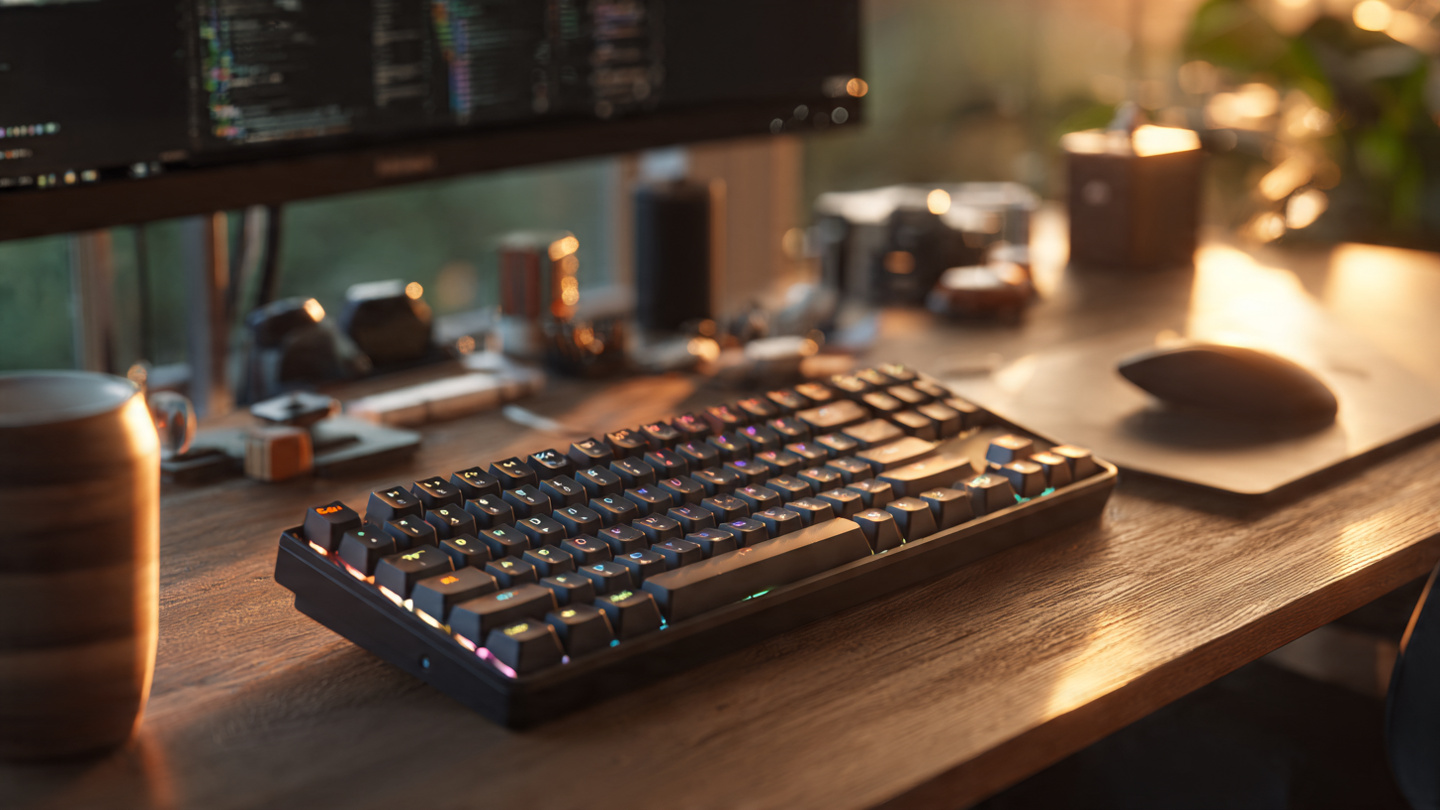
One of the biggest reasons to consider this keyboard is the presence of hot-swappable switches. For many people, that single feature changes the entire long-term value proposition.
A hot-swappable keyboard allows you to remove and replace mechanical switches without soldering. That means if you start with a tactile switch but later decide you prefer linear switches for gaming or clicky switches for more audible feedback, you can make the change yourself. This opens the door to customization without the expense or complexity of buying another keyboard.
That flexibility matters more than people expect. Typing preferences often evolve. Someone working from home may begin by wanting a quiet, office-friendly setup, then later build a more expressive typing experience for a personal desk setup. A gamer may want faster-feeling linear switches after spending time with tactile options. With a non-hot-swappable keyboard, every preference change becomes an upgrade decision. With the K8 QMK, it can be a simple switch swap.
- Easy customization without soldering tools or technical expertise.
- Lower long-term cost because you can update switches instead of replacing the keyboard.
- Beginner-friendly experimentation for anyone exploring different switch feels.
- Better longevity if a switch fails or your preferences change over time.
QMK Support Adds Serious Customization Power
While hot-swappable support appeals to hardware tinkerers, QMK support is what makes this keyboard especially interesting for power users. QMK is widely respected in the keyboard world because it allows deep control over layout remapping, macros, and function layers.
This matters in real-world use more than spec sheets suggest. If you are a developer, you can reassign frequently used shortcuts for coding workflows. If you edit video or audio, custom macros can speed up repetitive tasks. If you spend all day in spreadsheets or writing tools, you can build a layout that matches your habits instead of adjusting yourself to a fixed factory arrangement.
Personally, I think QMK is one of those features that becomes more valuable the longer you own the keyboard. At first, you might only use it to remap a few keys. Later, you realize you can create smarter layers, streamline workflow shortcuts, or tailor the keyboard to multiple devices and use cases. That kind of flexibility is not always visible in product photos, but it can have a bigger impact than cosmetic features.
Who Benefits Most From QMK?
Not everyone will use advanced remapping on day one, but several types of users can benefit immediately:
- Programmers who want more efficient key placement for symbols and shortcuts.
- Writers who prefer a customized layout for editing commands.
- Office users who need macros for repetitive workflow tasks.
- Multi-device users who switch between Mac and Windows systems.
- Keyboard enthusiasts who want deeper control over their setup.
Wireless Convenience Without Giving Up Core Features
Many buyers still assume a wireless mechanical keyboard means trade-offs in responsiveness, reliability, or battery convenience. In some products, that concern is justified. But Keychron has built much of its reputation by making wireless functionality feel normal rather than compromised.
The K8 QMK is a strong fit for people who move between devices or want a cleaner desk setup. If you work on a laptop during the day but dock into a monitor and external keyboard at night, wireless support adds useful flexibility. It is also a practical feature for shared spaces, standing desks, or any setup where cable management becomes annoying.
What I appreciate most is that wireless support here does not replace the keyboard's enthusiast-friendly appeal. Too often, wireless boards lean heavily into convenience and forget about the actual typing experience. The Keychron K8 QMK manages to do both, which is part of why it continues to be recommended so often.
Typing Experience and Everyday Comfort
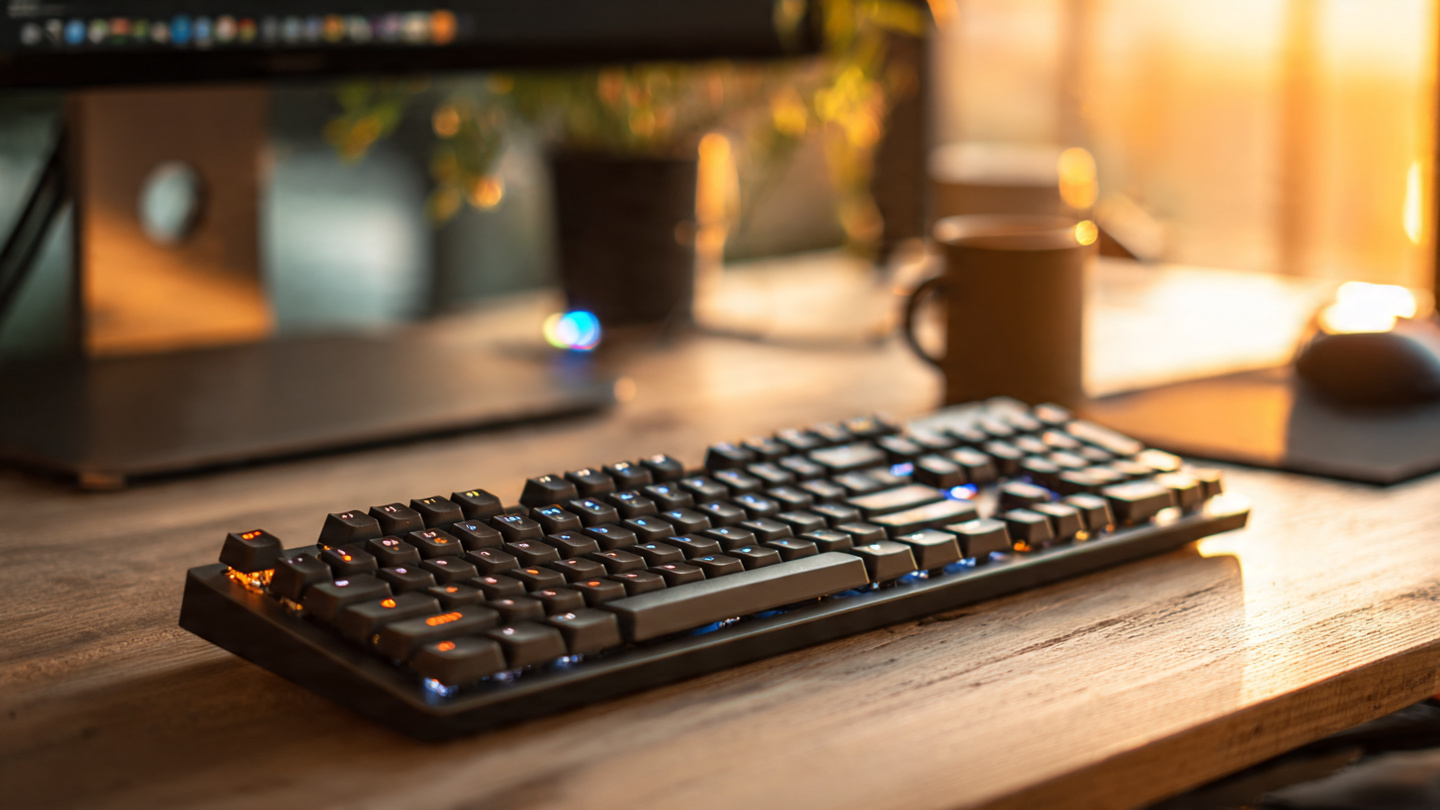
Features matter, but keyboards ultimately live or die by how they feel over hours of use. The Keychron K8 QMK earns its place because it delivers a typing experience that feels more refined than its sale price suggests.
The tenkeyless form factor helps create a more ergonomic desk position by bringing your mouse closer to your body. That can make a noticeable difference during long work sessions. The mechanical switch options allow users to choose a preferred feel, whether that means smoother key presses, tactile bumps, or a more traditional clicky response.
For people who type all day, the upgrade from a basic membrane keyboard to a solid mechanical keyboard deal like this can be surprisingly dramatic. Keystrokes feel more deliberate, feedback is more satisfying, and fatigue can decrease when the board matches your typing style. It is one of those upgrades that affects every hour you spend at the desk, which is why it is often more worthwhile than a small accessory purchase.
Best Use Cases for the K8 QMK
This keyboard works especially well in several common scenarios:
- Home office setups where desk space and typing comfort both matter.
- Student workstations that need one keyboard for studying, writing, and casual gaming.
- Programming desks where remapping and reliable key feel improve workflow.
- Mixed Mac and Windows environments that benefit from broader compatibility.
- First-time mechanical keyboard buyers looking for room to grow.
How It Compares to Other Keyboard Deals
When people search for the best keyboard deals, they often face a familiar dilemma. Cheaper boards can look attractive on paper, but many skip one or two major features that matter later. Some lack hot-swap support. Others offer wireless but poor software. Some look stylish but fail on long-term durability or typing quality.
The Keychron K8 QMK is compelling because it avoids feeling one-dimensional. It is not only a wireless keyboard. It is not only a customizable keyboard. It is not only a value pick. It combines those traits in a way that makes the discount more meaningful.
If you compare it to similarly priced options, the K8 QMK often wins on flexibility. If you compare it to more advanced enthusiast boards, it wins on approachability and cost. That balance is exactly why it remains such a strong recommendation for general buyers who still care about quality.
Is the Keychron K8 QMK Worth Buying Right Now?
For most shoppers in the market for a wireless mechanical keyboard, the answer is yes. At under $85, the value proposition is unusually strong. You are getting a recognizable and trusted brand, a practical tenkeyless layout, hot-swappable functionality, and QMK support in one package.
The only real question is whether this specific layout fits your needs. If you rely heavily on a number pad for finance work or data entry, a full-size board may still make more sense. But for everyone else, the 80% layout is often the most balanced choice. It saves space without feeling cramped, which is a major reason it remains so popular among both professionals and enthusiasts.
From a buying-strategy perspective, this is the kind of deal that makes sense because it reduces compromise. Instead of settling for a lower-end keyboard now and planning another upgrade later, you can start with something more capable immediately.
What to Consider Before You Buy
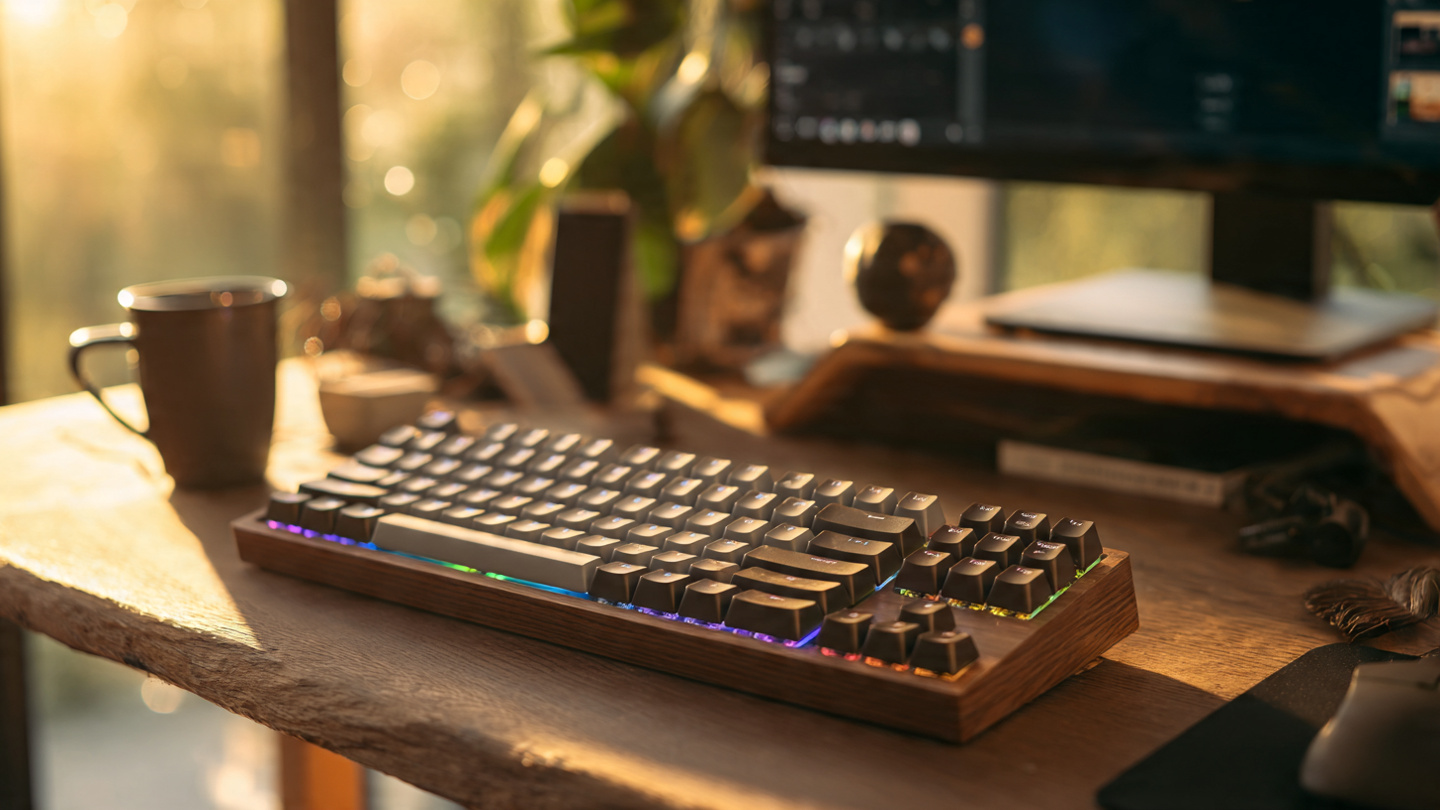
Even strong deals deserve a quick checklist. Before purchasing, think about how and where you plan to use the keyboard most often. Your best choice depends on workflow, desk size, and whether customization is part of your long-term plan.
- Layout preference: tenkeyless is ideal for many users, but not all.
- Switch type: choose based on whether you prioritize quiet typing, tactile feel, or gaming smoothness.
- Device ecosystem: this keyboard is especially useful if you move between platforms.
- Future customization: hot-swap and QMK matter most if you want room to personalize.
- Budget timing: discounts on feature-rich boards do not always last long.
Final Verdict
The Keychron K8 QMK keyboard stands out because it delivers where it counts. It offers the flexibility of hot-swappable switches, the convenience of a wireless mechanical keyboard, and the deeper control of QMK support, all at a price that feels unusually accessible during this sale. That combination makes it one of the more practical and satisfying keyboard deals available right now.
If you want a keyboard that feels good today and still gives you room to evolve your setup later, this is a smart buy. It is approachable for beginners, useful for professionals, and customizable enough for enthusiasts who want more than a basic plug-and-play board. In other words, it does not just save you money upfront; it gives you a better platform to build around.
If this deal is still live, it is worth acting before it disappears. A strong mechanical keyboard deal is not only about paying less. It is about getting more of the features that actually improve your everyday experience. For shoppers who want lasting value, the Keychron K8 QMK under $85 is exactly the kind of upgrade that makes sense now and continues to pay off later.
Check the latest price and availability now if you are ready to upgrade your desk with a keyboard that blends comfort, customization, and real long-term value.


