There is something special about booting up a game you loved years ago and realizing it still has the power to pull you in within seconds. The music hits first, then the pixel art, then the muscle memory. The best part is that retro gaming is no longer tied to old consoles, bulky CRT televisions, or a drawer full of tangled cables. Today, you can play retro games on your phone during a commute, then continue on a larger screen and play retro games on your TV from the comfort of your couch.
I have always believed that classic games deserve to be played, not just collected. Modern phones, streaming devices, and smart TVs have made that easier than ever. Whether you want to revisit 8-bit platformers, 16-bit RPGs, arcade fighters, or early 3D console hits, the tools are accessible and the setup can be surprisingly simple. The key is understanding which option fits your hardware, your budget, and how authentic you want the experience to feel.
This guide breaks down the most practical ways to enjoy classic games on modern devices, from emulators for Android and iPhone to controller pairings, legal considerations, TV setup tips, and performance tweaks that make older games feel great on newer hardware.
Why Retro Games Work So Well on Modern Devices
One reason retro games have aged so gracefully is that many were designed around tight controls, straightforward mechanics, and instant feedback. Modern hardware easily handles the technical demands of older systems, which means even mid-range phones and affordable smart TVs can emulate many classic platforms without breaking a sweat.
That opens the door to a better overall experience:
- Convenience: your game library can travel in your pocket or live in your living room.
- Flexibility: switch between touchscreen controls, Bluetooth controllers, and TV display output.
- Preservation: older titles remain playable even when original hardware becomes expensive or unreliable.
- Enhancement: save states, screen filters, rewind features, and controller remapping improve usability.
- Affordability: many setups cost far less than collecting original cartridges and consoles.
If your goal is simply to enjoy classic games again, modern hardware gives you far more options than retro fans had even a few years ago.
The Main Ways to Play Retro Games on a Modern Phone or TV
There is no single best method for everyone. The right setup depends on whether you prioritize portability, screen size, accuracy, simplicity, or access to specific game libraries. In practice, most people choose one of these approaches.
1. Use an Emulator on Your Smartphone
The most common option is installing an emulator on a phone or tablet. An emulator is software that recreates the behavior of older gaming hardware. This lets your device run games designed for classic systems like the NES, SNES, Game Boy, Genesis, PlayStation, and more.
For many players, this is the easiest entry point because a phone is already powerful, portable, and always nearby. On Android, emulator support is especially broad. On iPhone and iPad, the landscape has improved considerably, making retro games on iPhone more accessible than before.
What makes this method appealing is how quickly it scales. You can start with simple handheld titles using touch controls, then add a Bluetooth controller for better precision, and later connect the phone to a TV for a full living-room setup.
2. Install Retro Gaming Apps on a Smart TV or Streaming Device
If you prefer a larger display, some smart TVs and streaming platforms support retro gaming apps directly. Devices such as Android TV boxes, Google TV streamers, NVIDIA Shield, Apple TV, and certain Fire TV hardware can serve as capable retro gaming hubs.
This is often the most comfortable way to enjoy older console games because it feels close to a traditional home-console experience. Pair a wireless controller, launch your emulator or game app, and play from the sofa. For people who want a clean setup without connecting extra hardware every time, this route is hard to beat.
3. Mirror or Cast Your Phone to the TV
If your TV does not support your preferred emulator natively, screen mirroring or casting can bridge the gap. Many Android phones can mirror to compatible TVs, and iPhones can use AirPlay where supported. You can also use HDMI adapters for a wired connection, which is often more reliable and introduces less lag.
I usually recommend a wired connection if you plan to play action-heavy games. Platformers, fighters, and shooters are much more enjoyable when there is minimal latency between your input and the screen response.
4. Use Official Retro Collections and Subscription Services
Not every retro gaming experience has to start with emulation. Many publishers now offer official collections, remasters, or subscription libraries that include classic games. These options are ideal if you want easy installation, legal peace of mind, and streamlined menus without managing emulator settings.
While they may not cover every title you remember, they are excellent for casual players who want dependable access on modern screens.
How to Choose the Right Setup
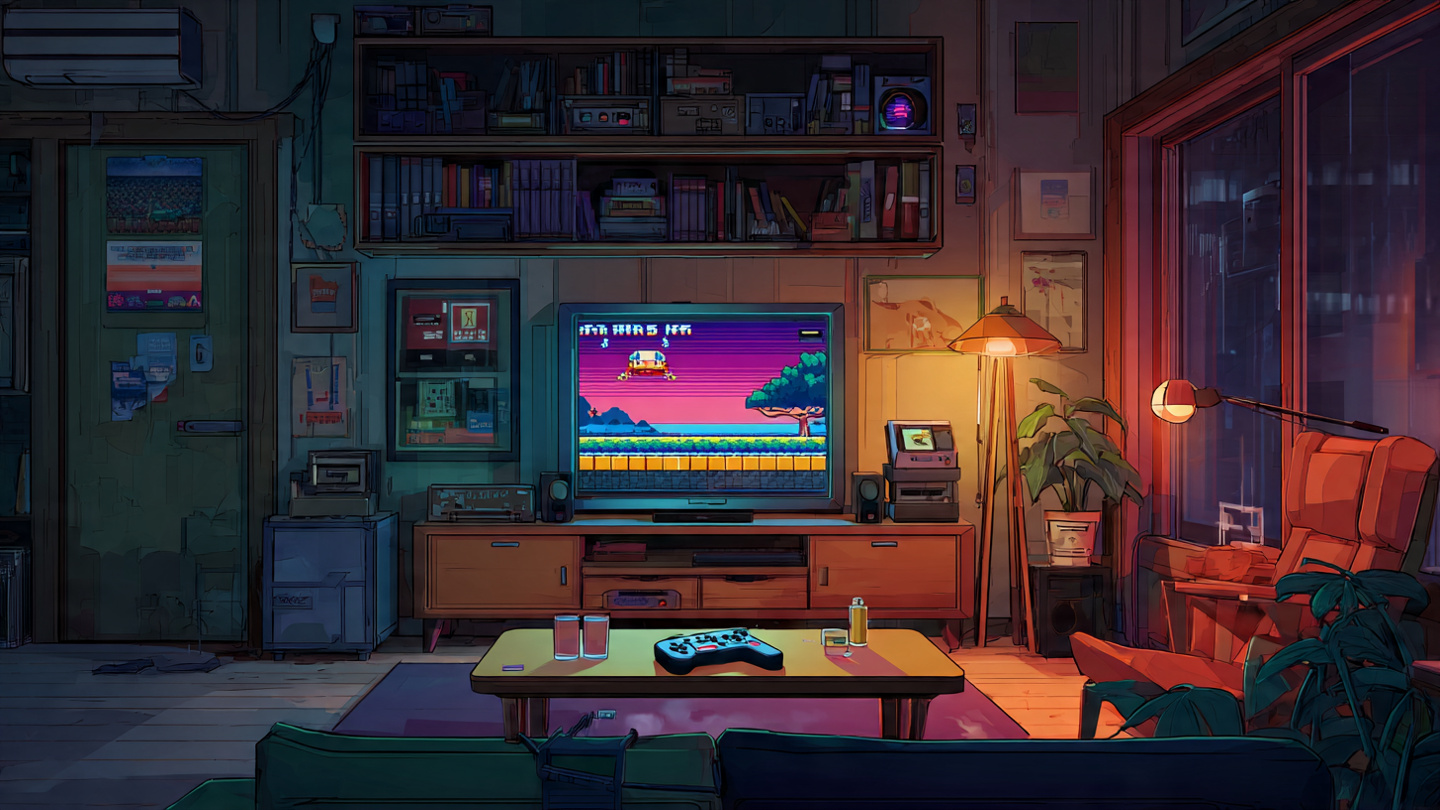
Before downloading anything, think about how you actually want to play. The best retro setup is the one you will use consistently, not the one with the longest features list.
- Choose a phone-based setup if portability matters most and you want to play anywhere.
- Choose a TV-based setup if comfort, multiplayer, and a larger screen matter most.
- Choose official game collections if you want a simple, legal, low-maintenance experience.
- Choose a wired controller and HDMI output if you care most about responsiveness.
- Choose wireless convenience if you value quick setup and casual play sessions.
For many people, the sweet spot is a hybrid approach: use your phone for quick sessions and connect it to the TV when you want a more immersive experience.
What You Need to Play Retro Games Smoothly
A Reliable Emulator
Not all emulators are equal. Some focus on speed and ease of use, while others prioritize accuracy and advanced features. The best choice depends on the console generation you want to emulate. Simpler systems usually run well on almost any recent phone, while later 3D systems demand stronger hardware and more careful configuration.
Look for emulator apps with good controller support, regular updates, save states, and display settings. If you plan to move between devices, cloud backup or file export features can also be valuable.
A Bluetooth Controller
This is one upgrade I strongly recommend. Touch controls are fine for turn-based games or slower titles, but many classic games were built around physical buttons and directional pads. A Bluetooth controller instantly makes the experience better, especially for platformers, racing games, and arcade titles.
Controllers modeled after classic gamepads can enhance the nostalgic feel, while modern controllers often offer better ergonomics and wider compatibility. Either way, a proper controller turns a phone or TV into a much more convincing retro console.
Stable Storage and File Organization
Retro game files are often small, but libraries can become messy quickly. Create a simple folder structure by system and title. It saves time, makes scanning libraries easier, and helps if you want to transfer your setup to another device later.
This may sound minor, but good organization makes retro gaming feel frictionless rather than technical.
Legal and Ethical Considerations Matter
Retro gaming is exciting, but it is also important to approach it responsibly. Emulators themselves are generally legal in many regions, but the legality of game files depends on how they are obtained and what rights you hold. The safest path is to use games you legally own, official digital collections, or titles distributed through authorized services.
If you are serious about preserving the history of games, supporting official releases when available helps publishers see value in keeping older titles accessible. That benefits everyone who wants classic games to remain playable in the future.
How to Play Retro Games on Your Phone
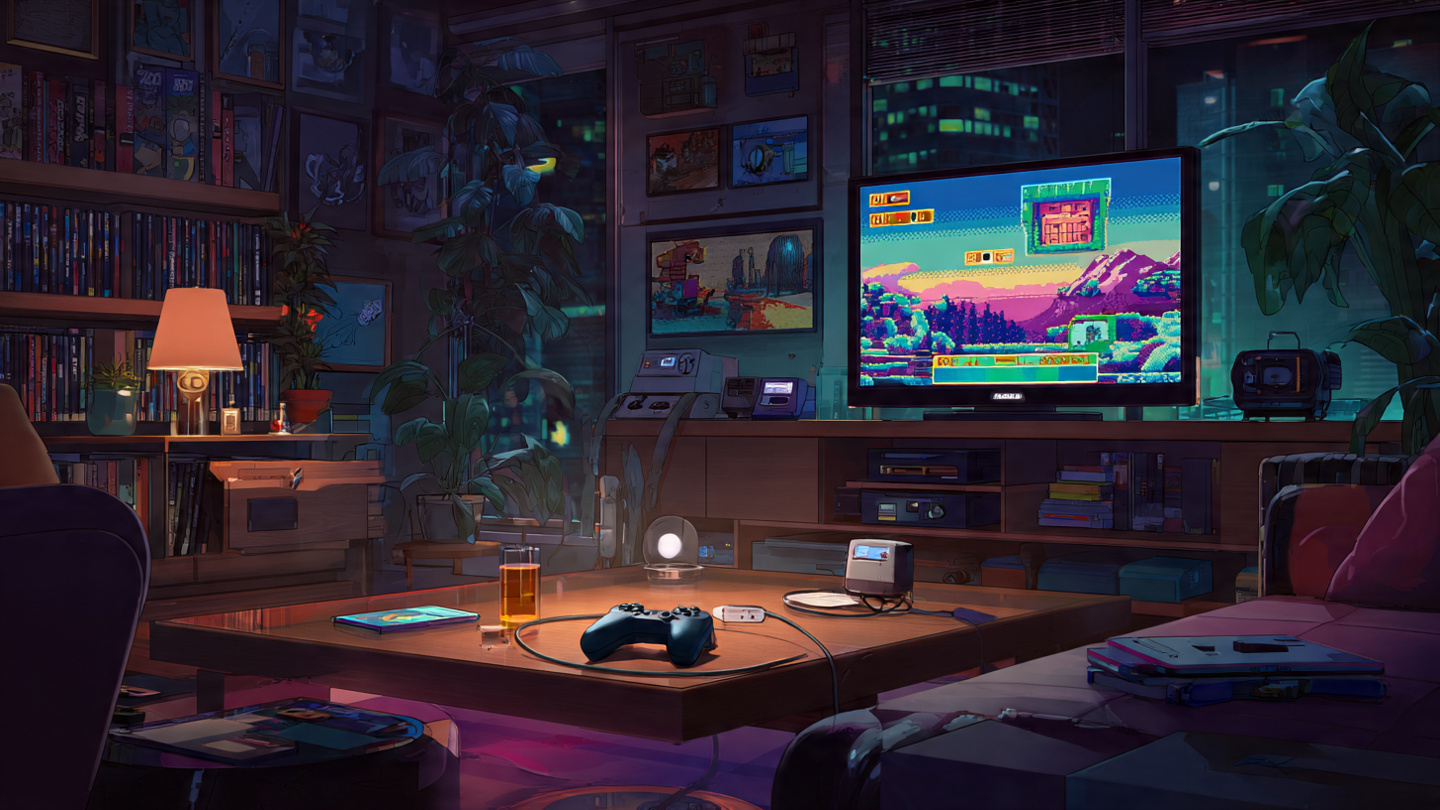
Android Devices
Android retro gaming is often the most flexible option. Many Android phones support a wide variety of emulators, Bluetooth controllers, expandable storage on some models, and easy TV connectivity through casting or USB-C to HDMI adapters.
A practical Android setup usually looks like this:
- Install a trusted emulator for the system you want to play.
- Add your legally obtained game files to a clearly labeled folder.
- Pair a Bluetooth controller for better input accuracy.
- Adjust screen layout, aspect ratio, and audio settings.
- Test performance before moving the setup to a larger screen.
For older 2D systems, even budget phones often perform very well. If you want to emulate later handheld or console generations, look for stronger processors and more RAM.
iPhone and iPad
Play retro games on iPhone is now a far more realistic goal than many people assume. The main considerations are app availability, file management, and external controller compatibility. Once those are in place, the experience can be excellent, especially on newer devices with strong chipsets and high-quality displays.
Apple users should pay close attention to controller pairing and file import workflows. Once configured, though, classic games can feel fantastic on iPhone and iPad screens, particularly handheld titles and RPGs.
If you are deciding between touch controls and a controller, go with the controller whenever possible. That single upgrade makes the biggest difference in long-term enjoyment.
How to Play Retro Games on Your TV
Using a Smart TV or Streaming Box
Many people searching for how to play retro games on smart TV want a setup that feels easy and family-friendly. In that case, a streaming box or TV platform with app support is often the cleanest solution. You install the app, connect a controller, and keep everything in one place.
This works especially well for party games, local multiplayer, and couch sessions where portability is irrelevant. If your living room is the main destination, build your setup around the TV first rather than treating it as an afterthought.
Connecting Your Phone to the TV
If your phone already handles your retro library well, connecting it to the TV is an efficient next step. You can do this wirelessly, but a cable is usually better for serious play. Wireless mirroring can introduce lag, audio sync issues, or inconsistent image quality depending on your network and device combination.
A wired connection often provides:
- Lower latency for fast-action games
- More stable video output during long sessions
- Better audio consistency with fewer dropouts
- Less setup friction once you know your adapter works
If you plan to revisit fighting games, precision platformers, or arcade shooters, that difference is immediately noticeable.
Best Practices for a Better Retro Gaming Experience
Reduce Input Lag
Input lag can make a great classic game feel strangely wrong. If your TV has a game mode, enable it. Use wired video output when possible. Pair a quality controller, and avoid unnecessary Bluetooth devices running at the same time if your setup becomes unstable.
Respect Original Aspect Ratios
Older games were designed for different screen shapes than modern TVs and phones. Stretching them to fill the screen often makes them look awkward. Preserving the original aspect ratio usually delivers a cleaner, more authentic image.
Use Save States Carefully
Save states are one of the best modern conveniences in classic gaming on modern hardware. They help with difficult sections, limited session times, and portable play. Still, if you want the original rhythm of a game, balance save states with normal in-game saving where possible.
Experiment with Filters, but Do Not Overdo Them
Scanlines, smoothing, and shader effects can enhance older visuals, especially on large 4K screens. But too much processing can muddy pixel art. I usually suggest trying subtle display filters first, then deciding whether a cleaner raw image actually looks better for that specific game.
Common Mistakes to Avoid
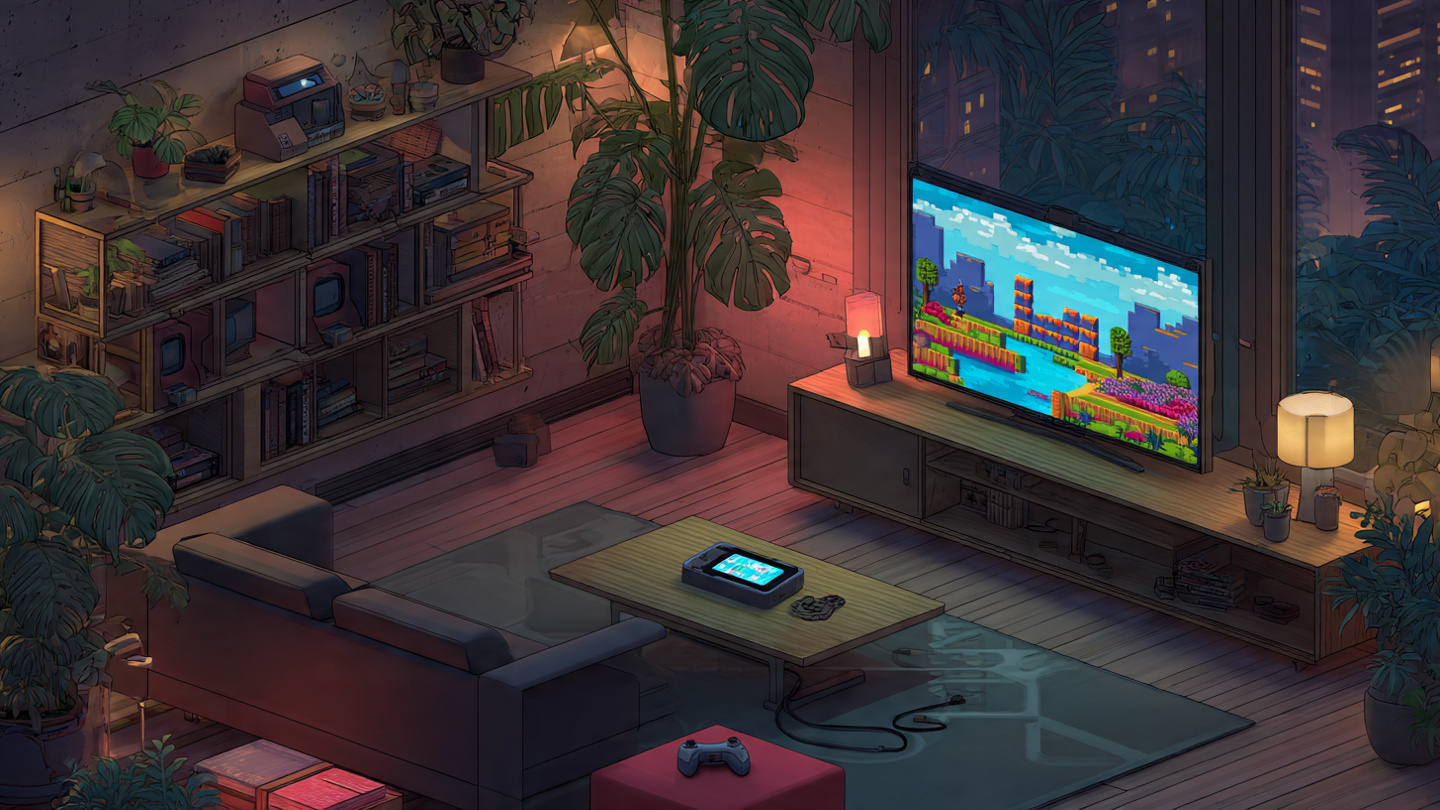
- Relying only on touch controls for games that demand precision
- Using wireless mirroring for twitch-heavy games where lag becomes frustrating
- Ignoring legal sourcing when building a retro library
- Overcomplicating the setup instead of starting with one system and one controller
- Forcing widescreen stretch on games designed for older displays
Retro gaming should feel fun and welcoming. Start simple, test what works, and expand only when you want more features.
The Best Part: Nostalgia Meets Modern Convenience
What makes this era so exciting for retro fans is the combination of old-school design and modern flexibility. You can play a Game Boy title on your lunch break, connect to a TV at night, use a wireless controller, create save points, and pick up exactly where you left off. That kind of freedom would have seemed unbelievable back when many of these games first launched.
From my perspective, the real magic is not just nostalgia. It is accessibility. Great games that once depended on aging cartridges, region-specific hardware, or fragile displays can now fit naturally into everyday life. You do not have to build a museum-quality collection to enjoy them. You just need the right setup and a little curiosity.
Conclusion
If you have been wondering how to play retro games on your modern phone or TV, the answer is simpler than ever: choose the setup that matches your habits, use reliable software or official collections, add a controller, and prioritize low-lag connections when possible. Whether you are revisiting childhood favorites or discovering classics for the first time, modern devices make retro gaming portable, affordable, and remarkably comfortable.
The easiest way to begin is to pick one system you love, set it up properly, and play for an hour. Once you experience classic games running smoothly on hardware you already own, it becomes obvious why retro gaming continues to grow.
Ready to start? Turn your phone, tablet, or smart TV into a classic gaming station today, build a legal library you will actually use, and rediscover why timeless games still matter.


