Choosing the best external hard drive is no longer just about buying extra space. It is about matching speed, durability, portability, and value to the way you actually work and live. If you edit 4K footage, you need an external SSD that keeps up without stuttering. If you back up family photos, you need reliability and enough room to grow. If you travel often, rugged protection matters just as much as raw performance. The good news is that there is now a strong option for nearly every type of user, from students and professionals to photographers, gamers, and remote workers.
I have always believed storage is one of the most underrated tech purchases. People spend hours comparing laptops and cameras, then grab the first drive they see on sale. That usually leads to two problems: either the drive is too slow for real workloads, or it runs out of room faster than expected. A smarter approach is to start with your use case. Once you know whether you need speed, capacity, portability, or field-ready durability, the right choice becomes much easier.
This guide breaks down what truly matters when shopping for an external hard drive or external SSD, how different drive types compare, and what features are worth paying for. If you want a reliable way to store data, protect backups, and move large files without frustration, this is where to start.
Why External Storage Still Matters
Cloud platforms are useful, but local storage remains essential. Upload speeds can be slow, subscriptions add up, and restoring hundreds of gigabytes from the cloud is rarely convenient. An external drive gives you direct control over your files and lets you access them even when you are offline.
For many people, the ideal setup is a combination of local and cloud storage. Keep active files and full backups on an external drive, then sync your most important documents and photos to the cloud for extra protection. That layered strategy reduces risk and gives you faster access to what matters most.
- External SSDs offer fast transfers, silent operation, and compact designs.
- Portable hard drives give you more capacity for less money.
- Rugged drives are better for travel, outdoor shoots, and field work.
- Backup drives help protect photos, work files, and archives from accidental loss.
External SSD vs External Hard Drive
The first big decision is whether to buy an external SSD or a traditional external hard drive. Both can be excellent, but they solve different problems.
When an External SSD Makes More Sense
An SSD is the better choice if you regularly move large files, edit media directly from the drive, or simply want a smoother everyday experience. SSDs have no moving parts, so they are more shock-resistant and usually much faster. That means shorter transfer times, snappier file access, and less waiting around.
If you work with video, especially 4K or high-bitrate footage, a fast external SSD can make your workflow dramatically more efficient. Instead of copying everything to your computer first, you can often edit straight from the drive. That is a huge advantage when internal laptop storage is limited.
When a Traditional Hard Drive Is Better
A classic external hard drive still offers the best price per terabyte. If your main priority is backing up years of photos, storing old projects, or keeping a media archive, a hard drive is often the smarter buy. You may sacrifice speed, but you gain a lot more room for your money.
This is why many people use both. They keep a smaller external SSD for active projects and a larger hard drive for long-term storage. It is a practical combination that balances performance and capacity.
What to Look for Before You Buy
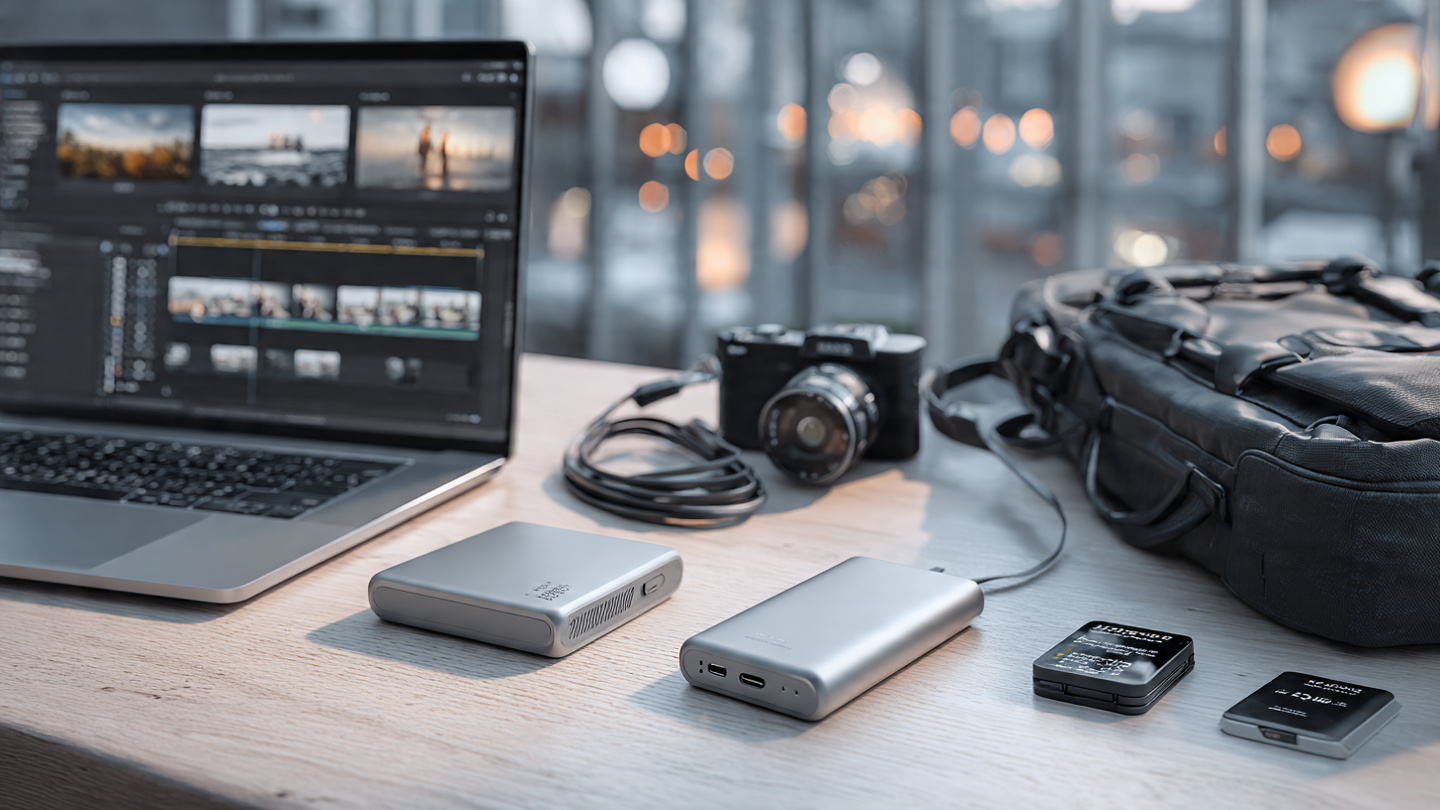
The best drive on paper is not always the best drive for your setup. A few core factors will tell you whether a model is actually worth your attention.
Speed and Real-World Performance
Advertised read and write speeds can look impressive, but real-world performance depends on your computer, connection standard, and workload. If your laptop only supports slower USB speeds, buying a premium drive with top-tier transfer rates may not deliver the full benefit. Look at the port on your device first, then choose a drive that matches it.
For everyday use like documents, photos, and light file transfers, moderate speed is often enough. For video editing, large RAW photo libraries, and game storage, faster drives are easier to justify.
Capacity
Storage needs grow faster than most people expect. A few short 4K video projects, years of smartphone photos, or one full computer backup can consume a drive quickly. Buying slightly more capacity than you currently need is usually the smarter long-term move.
- 500 GB to 1 TB works for documents, school files, and moderate photo storage.
- 2 TB is a strong sweet spot for many users who want flexibility.
- 4 TB and above is ideal for large media libraries, backups, and creative archives.
Durability and Portability
If your drive mostly stays on a desk, standard portability is fine. If it goes into camera bags, backpacks, or airplane carry-ons, build quality matters a lot more. A rugged drive with water resistance, dust protection, and drop resistance can be worth the added cost if you work on the move.
Security and Encryption
If you store contracts, financial records, client work, or sensitive photos, security features deserve attention. Some drives include hardware encryption or bundled software that lets you lock access with a password. That added protection can be valuable if the drive is lost or stolen.
Best Uses for Different Types of Buyers
One of the easiest ways to find the best external SSD or hard drive is to think in terms of lifestyle and workload.
For Video Editors and Content Creators
Creators benefit most from fast SSDs with reliable sustained speeds. Video editing is demanding, and choppy playback caused by slow storage can kill momentum fast. If you shoot weddings, documentaries, YouTube videos, or commercial work, look for a drive that handles large transfers gracefully and stays responsive during long sessions.
A practical example: imagine you just finished filming a weekend event and need to offload hundreds of gigabytes of footage before starting an edit. A high-speed external SSD can turn that chore from an hour-long bottleneck into a much smoother handoff.
For Photographers
Photographers often need a balance of speed, portability, and safety. A small SSD is useful for active culling and editing, while a larger external hard drive works well for catalog backups and completed projects. If you shoot outdoors or travel frequently, a rugged model can help protect against rough conditions.
For Students and Remote Workers
Students and professionals usually need dependable storage for presentations, documents, media files, and system backups. In this case, a compact 1 TB or 2 TB external SSD is often the most comfortable option because it travels well and feels effortless to use. A budget hard drive can still make sense if cost is the deciding factor.
For Families and Home Backup
If your goal is backing up laptops, phones, and years of family photos, capacity matters more than speed. A larger external hard drive is often the right answer here. You can schedule regular backups, create a family archive, and keep essential files separate from your main devices.
For Travelers and Field Work
People who work outdoors, cover events, or move between locations need more than a slim design. They need confidence. Rugged external SSDs are especially appealing because they combine portability with shock resistance. When a drive is holding irreplaceable footage or client files, peace of mind is not a luxury.
Common Mistakes to Avoid
There are a few buying mistakes that show up again and again, and most are easy to avoid with a little planning.
- Buying only for capacity and ignoring transfer speed.
- Choosing a drive that does not match your laptop or desktop ports.
- Using one drive as your only backup instead of keeping duplicates.
- Underestimating future storage growth.
- Traveling with a non-rugged drive in harsh conditions.
The biggest mistake of all is treating storage as disposable. Drives fail, files get corrupted, and accidents happen. The best purchase is not just the fastest or cheapest drive, but the one that supports a safer system for your data.
How to Build a Smarter Backup Routine
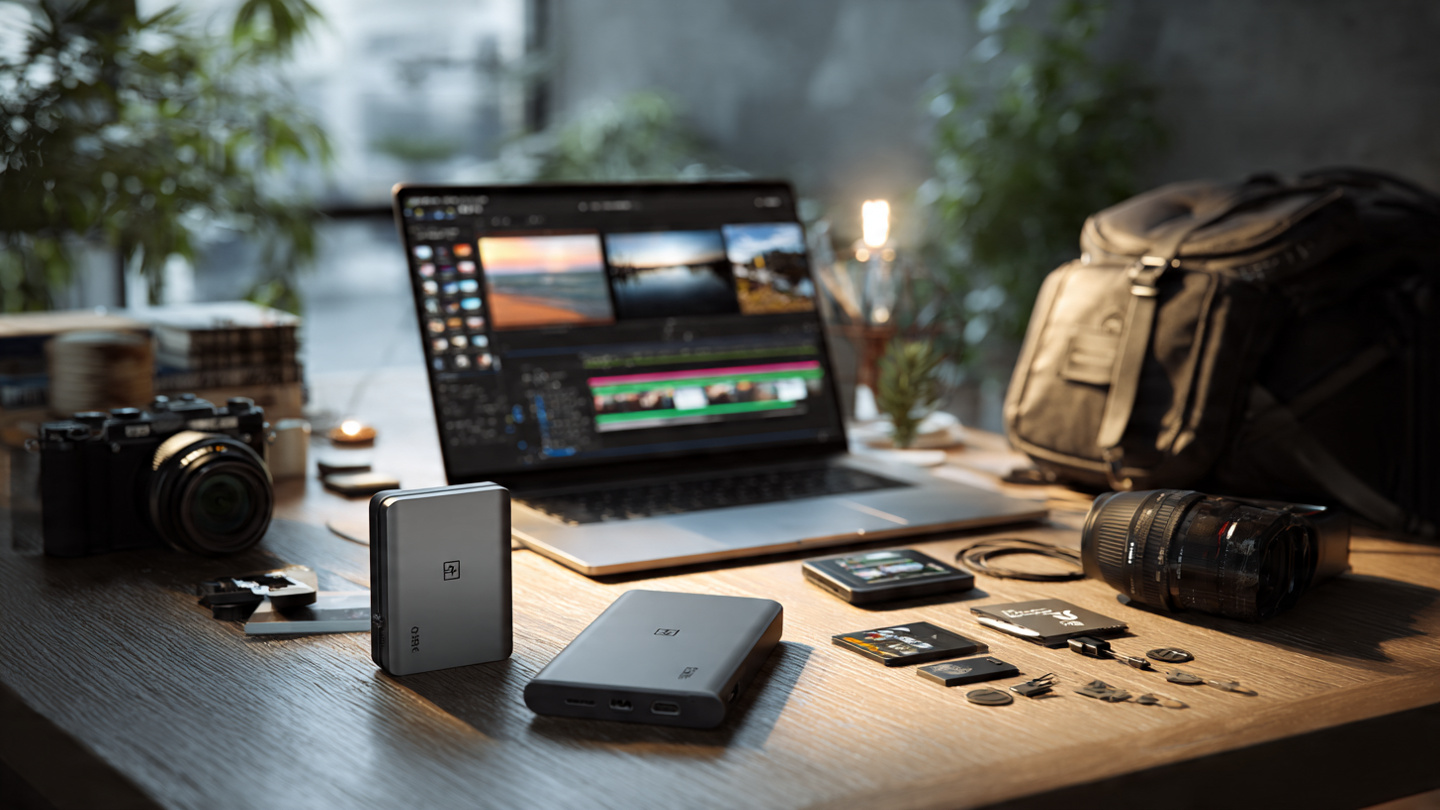
Buying a great drive is only step one. To really protect your files, you need a backup habit. A simple strategy is to follow the idea of keeping multiple copies of important data in different places. That means your computer holds the active files, your external drive stores a backup, and cloud storage or a second drive adds another layer of protection.
This matters because no single device is fail-proof. A laptop can be stolen, a drive can be dropped, and a cloud account can be locked or misconfigured. Redundancy is what turns storage into security.
A Simple Backup Setup That Works
- Keep current work on your primary computer.
- Back up daily or weekly to an external drive.
- Store your most important files in a cloud service or second physical drive.
- Test recovery occasionally so you know the backup actually works.
That last point is often overlooked. A backup is only useful if you can restore from it. Open the files, verify the folder structure, and make sure nothing is corrupted. It takes a few minutes and can save enormous stress later.
Features Worth Paying More For
Not every premium feature is essential, but some upgrades deliver real value depending on your needs.
USB-C Convenience
USB-C has made portable storage much easier to live with. The connector is reversible, common on modern laptops, and often paired with better transfer standards. If you switch between newer devices, USB-C support is a meaningful quality-of-life improvement.
Rugged Design
If your drive leaves the house often, extra protection is not just marketing. Rubberized edges, sealed ports, and drop-resistant construction can genuinely extend the life of your storage.
Reliable Thermal Management
Fast external SSDs can slow down if they get too hot during long transfers. Better models handle heat more effectively, which helps maintain consistent performance when moving large video files or performing full backups.
Encryption and Software Tools
Security tools, automatic backup utilities, and drive health monitoring can be useful, especially for business users and anyone handling sensitive data. The key is to treat software as a bonus, not the primary reason to buy.
How to Choose the Right Capacity and Budget
A good rule of thumb is to buy for the next two to three years, not just for today. If you currently use 600 GB and your files are growing quickly, a 1 TB drive may feel safe now but cramped sooner than expected. For many people, 2 TB is the sweet spot because it balances price, portability, and breathing room.
On the budget side, think in terms of cost per use, not just sticker price. A slightly more expensive drive that saves you time every week or protects your work on the road can offer better long-term value than a cheaper option that feels slow, fragile, or limiting.
Personally, I like to separate storage into two buckets: speed and safety. I spend more on the drive that handles active creative work, and I save money on high-capacity backup storage. That approach keeps the workflow fast without overspending where raw speed does not matter.
Final Thoughts on Finding the Best External Hard Drive
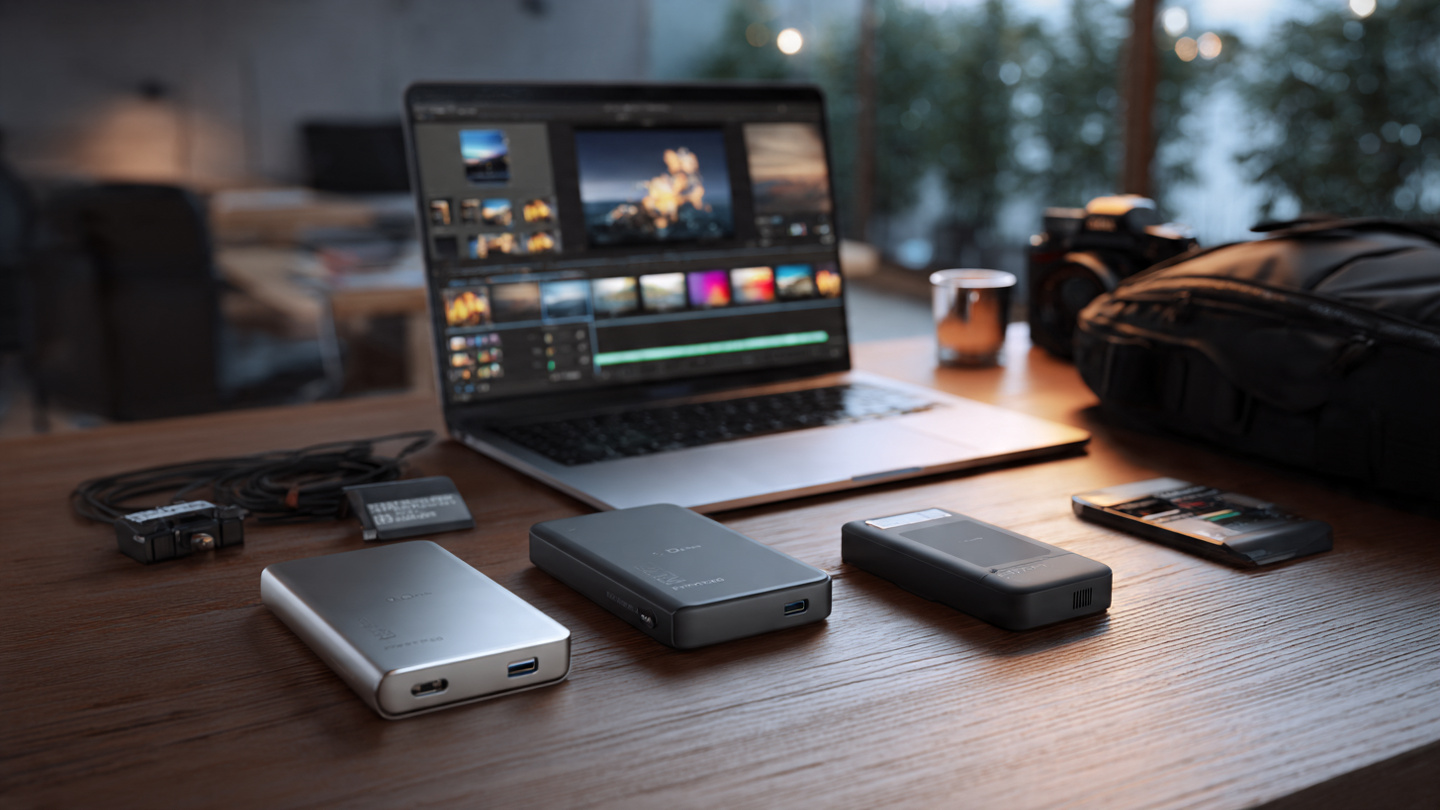
The best external hard drive is the one that fits your habits, not the one with the flashiest spec sheet. If you need quick transfers, smooth editing, and reliable travel performance, an external SSD is usually the strongest choice. If you need affordable bulk storage for backups and archives, a traditional hard drive still delivers outstanding value.
The smartest buyers focus on three things: how much storage they actually need, how fast their workflow demands, and where the drive will be used most often. Once those answers are clear, the decision becomes much easier and much more cost-effective.
If you are upgrading your storage this year, do not settle for a drive that merely gets the job done. Choose one that makes your daily workflow faster, your backups safer, and your digital life easier to manage. Review your devices, estimate your future storage growth, and invest in a solution you will still trust a year from now.
Ready to choose the right drive? Start by identifying whether your priority is speed, capacity, or durability, then build a backup routine around that purchase. A great storage setup does more than hold files. It protects your work, saves time, and gives you confidence every time you plug in.


